How to use the Scribble Pad
If you only have a minute: The Scribble Pad is a free release tool from Glad We Talked®. You scribble a feeling out on a blank page. You do not need to be able to draw. It starts by asking “Where are you now?”: low, restless or steady. Your answer picks a brush, a colour and a short prompt. When you are done, you choose. Press and hold Let go and the scribble fades, blows away or washes off. Or tap Keep to save it for reflection. Nothing is saved unless you tap Keep. A kept scribble goes to My Journal, where only you can see it. You need a free account to use it. It is a release tool, not therapy.
Sign in to open the Scribble Pad · Join free
Welcome
Welcome
This is a simple page for getting a feeling out of your body and onto the screen. There is no right way to use it.
No drawing needed
Lines, dots, splats and mess all count. Nobody is marking it. It only has to feel like yours.
Save it or let it go
When you are done, keep the scribble for reflection or let it go. You choose each time.
Before you start
It is a release tool, not therapy. Nothing is saved unless you tap Keep. Take a break whenever you need to.
How do I use the Scribble Pad?
- Choose where you are. Tap Low, Restless or Steady. It picks a brush, a colour and a prompt for you. Or skip it and just start.
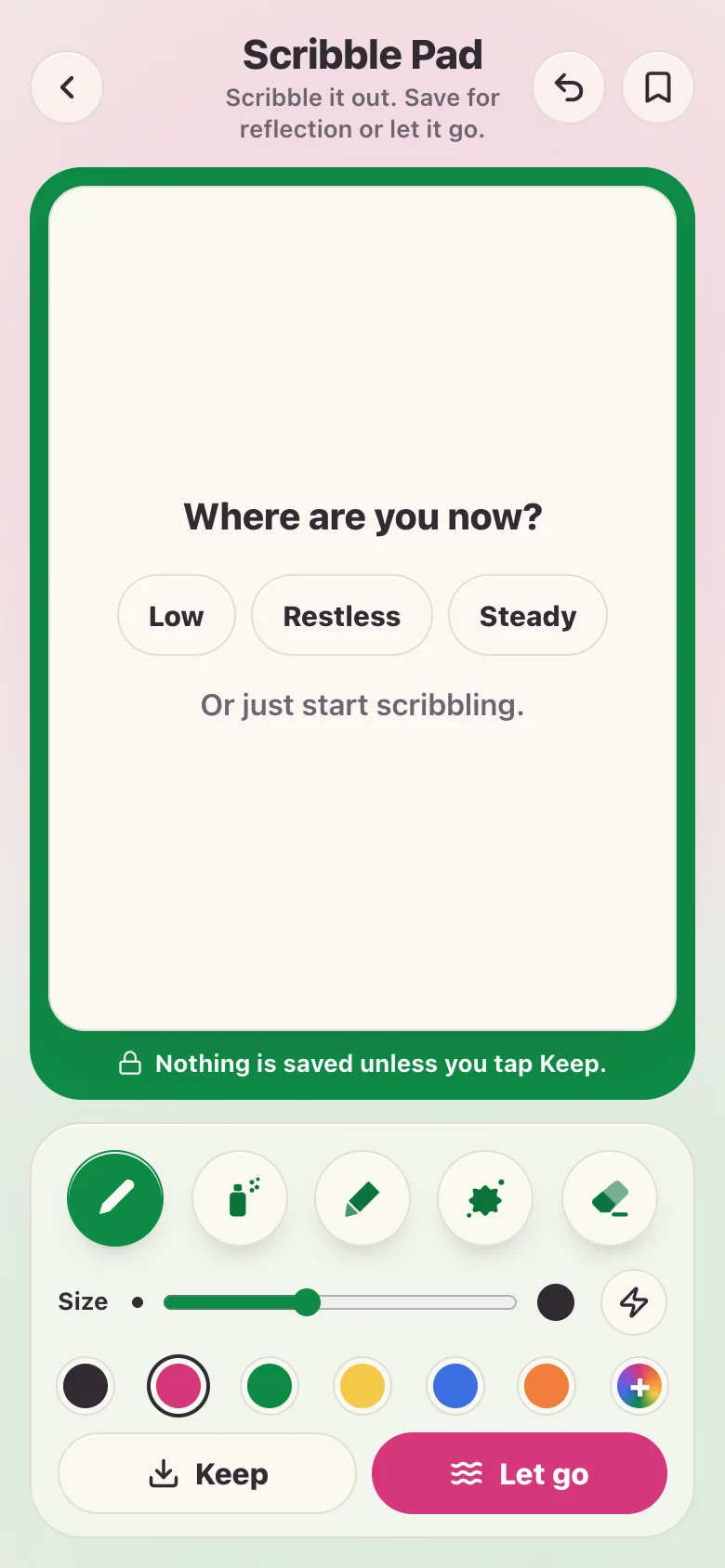
- Scribble. Use your finger, a pen or a mouse. The words on the page fade as soon as you start.
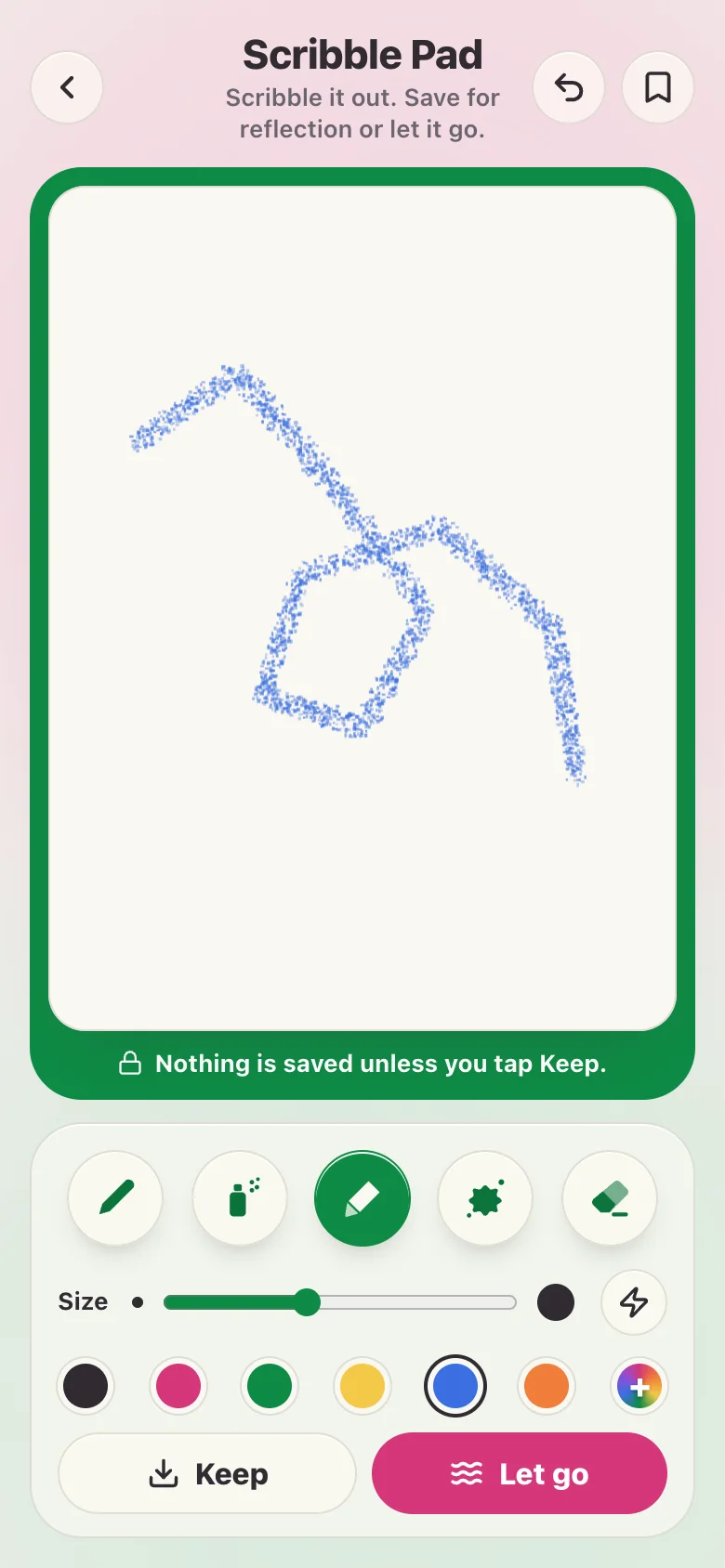
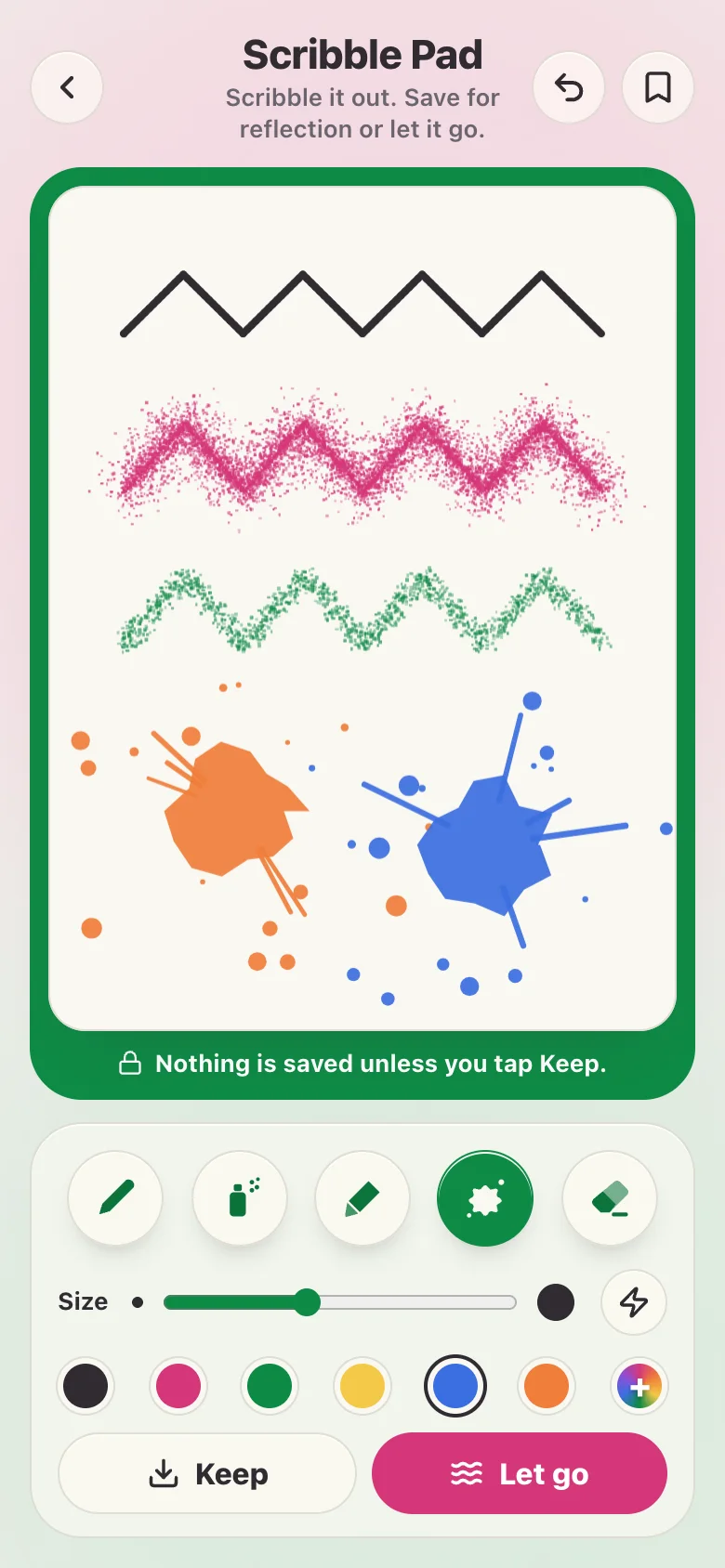
- Change your brush. Tap Pen, Spray, Crayon or Splat to switch. The Rubber wipes part of it out. The curved arrow at the top takes back your last stroke.
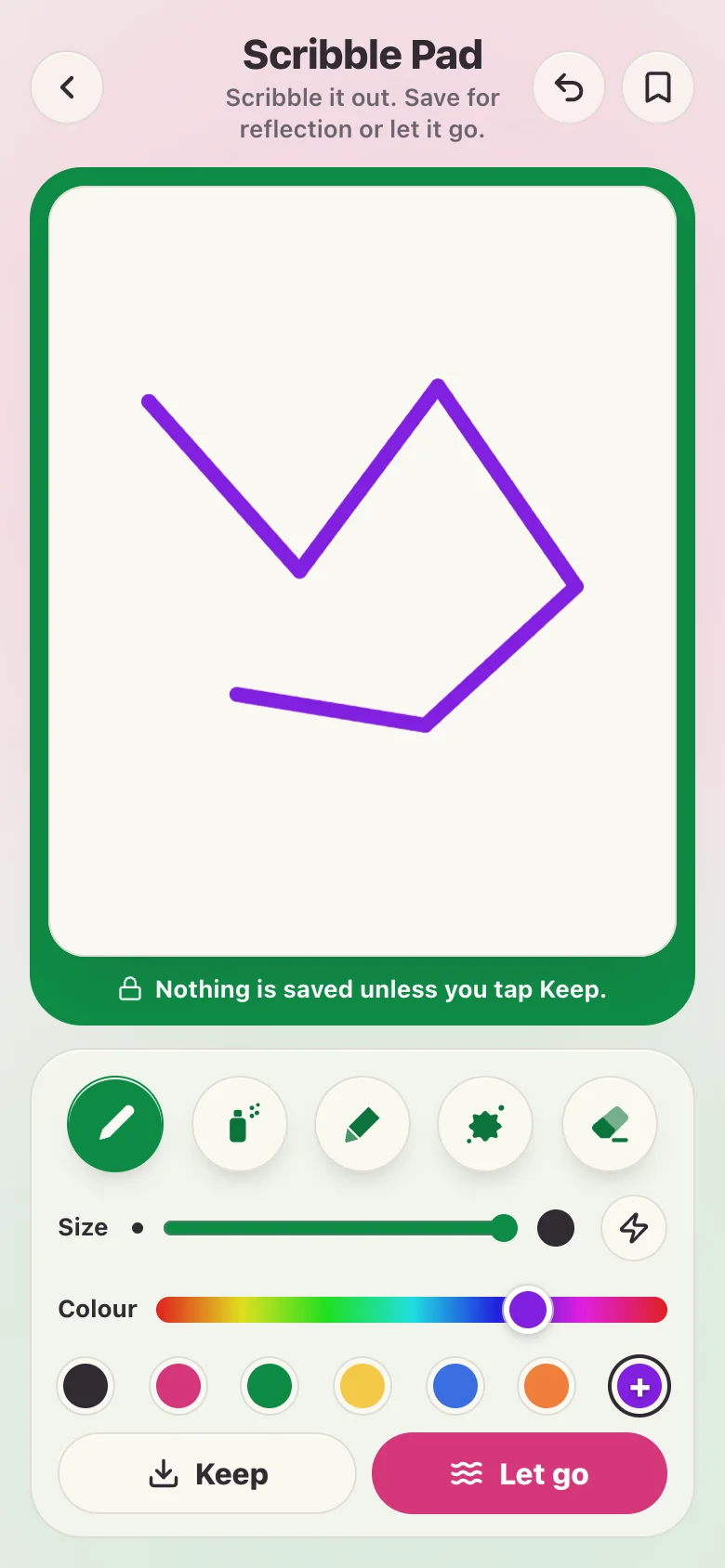
- Change the size and colour. Slide Size for thinner or thicker. Tap a colour dot. The dot with a plus opens a slider for any colour you like.
- Try neon. Tap the lightning button. The colours turn neon and the page turns dark. Tap it again to go back.
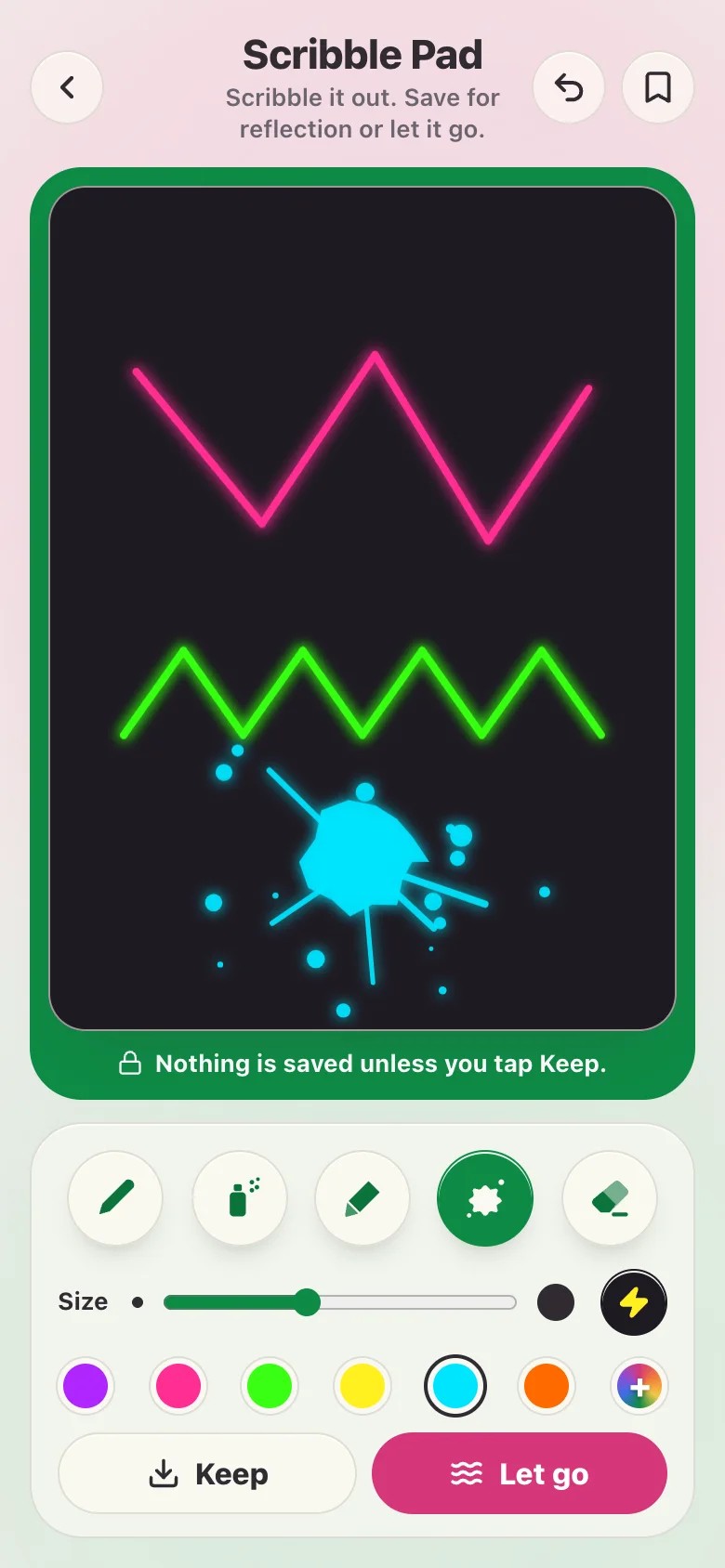
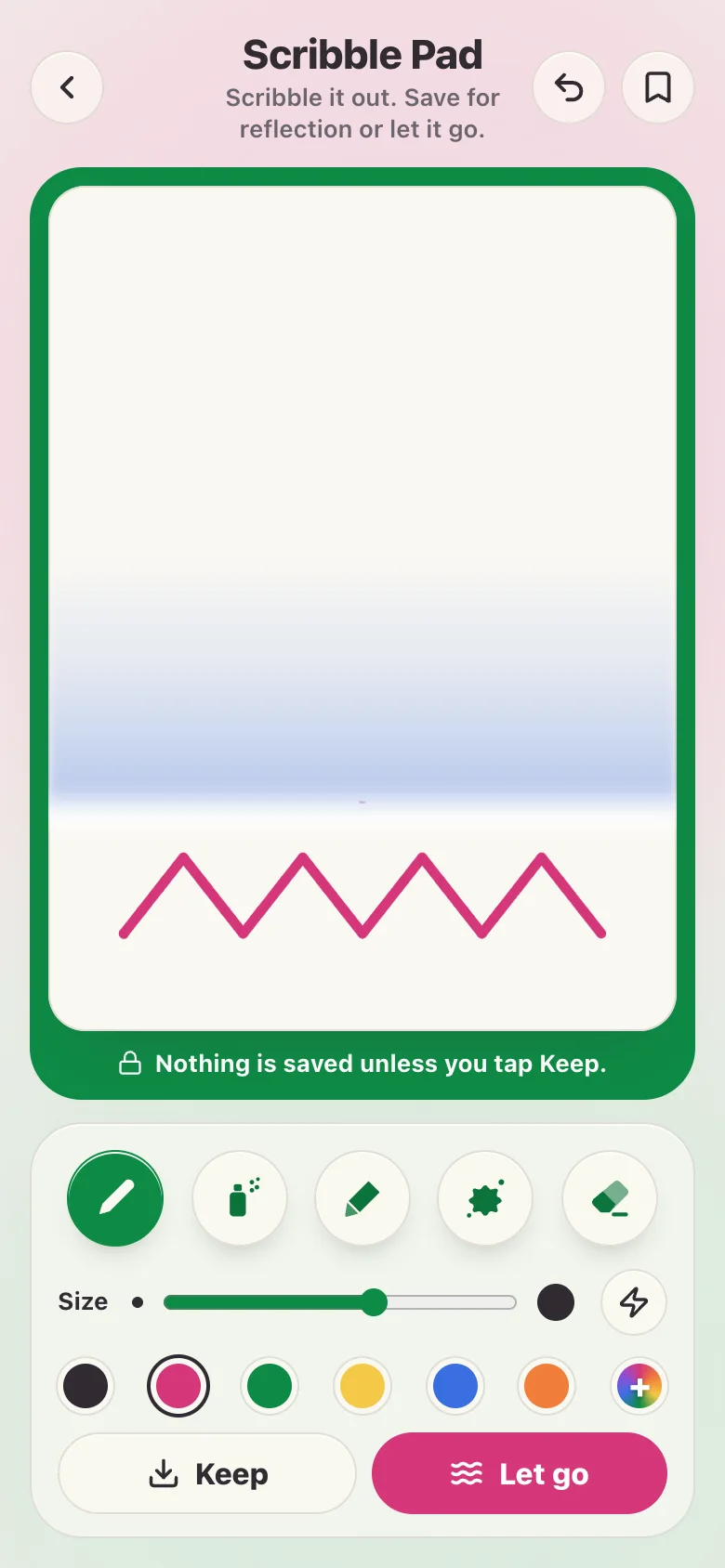
- Let it go. Press and hold Let go for about a second. The scribble fades, blows away or washes off the page.
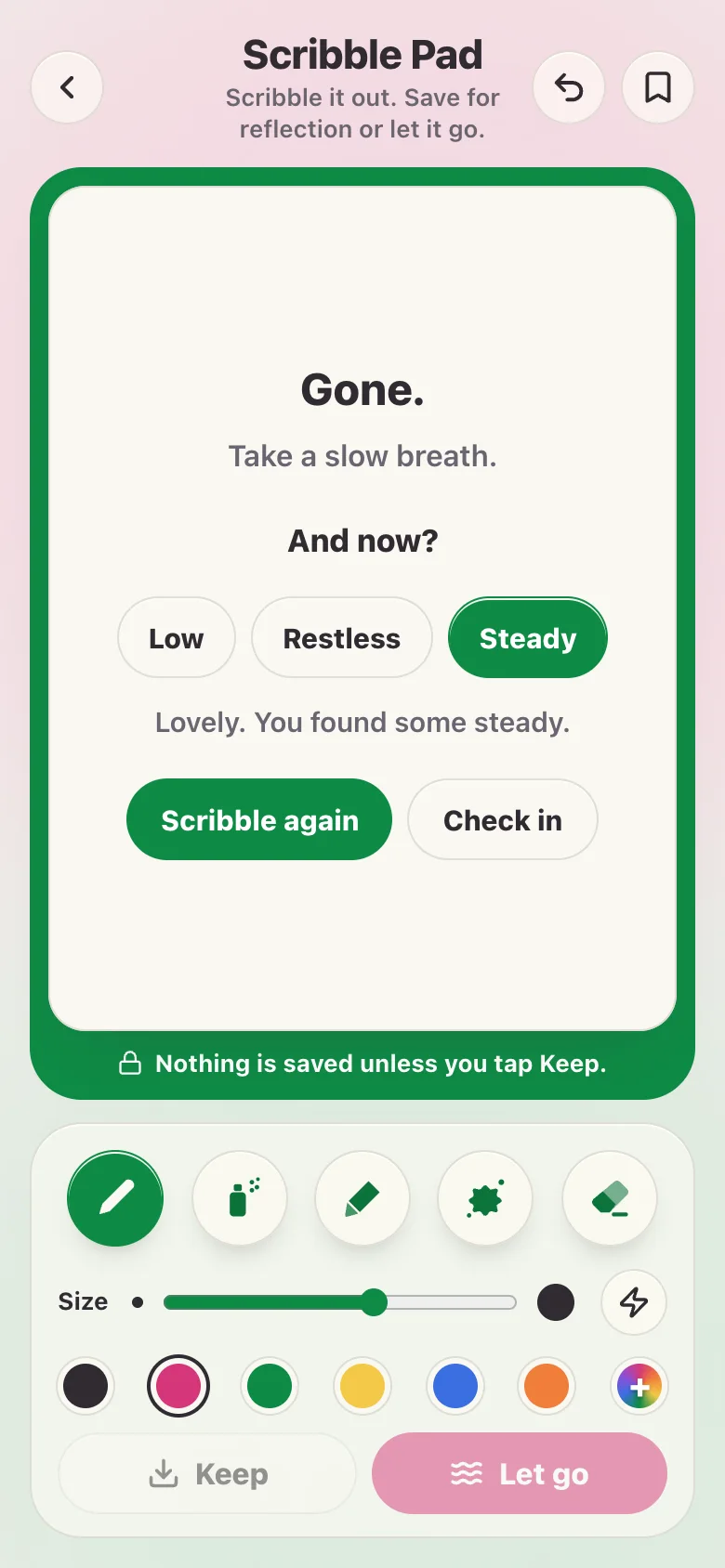
- Notice how you are now. The page says Gone, and asks “And now?” Tap Low, Restless or Steady. Then scribble again or check in.
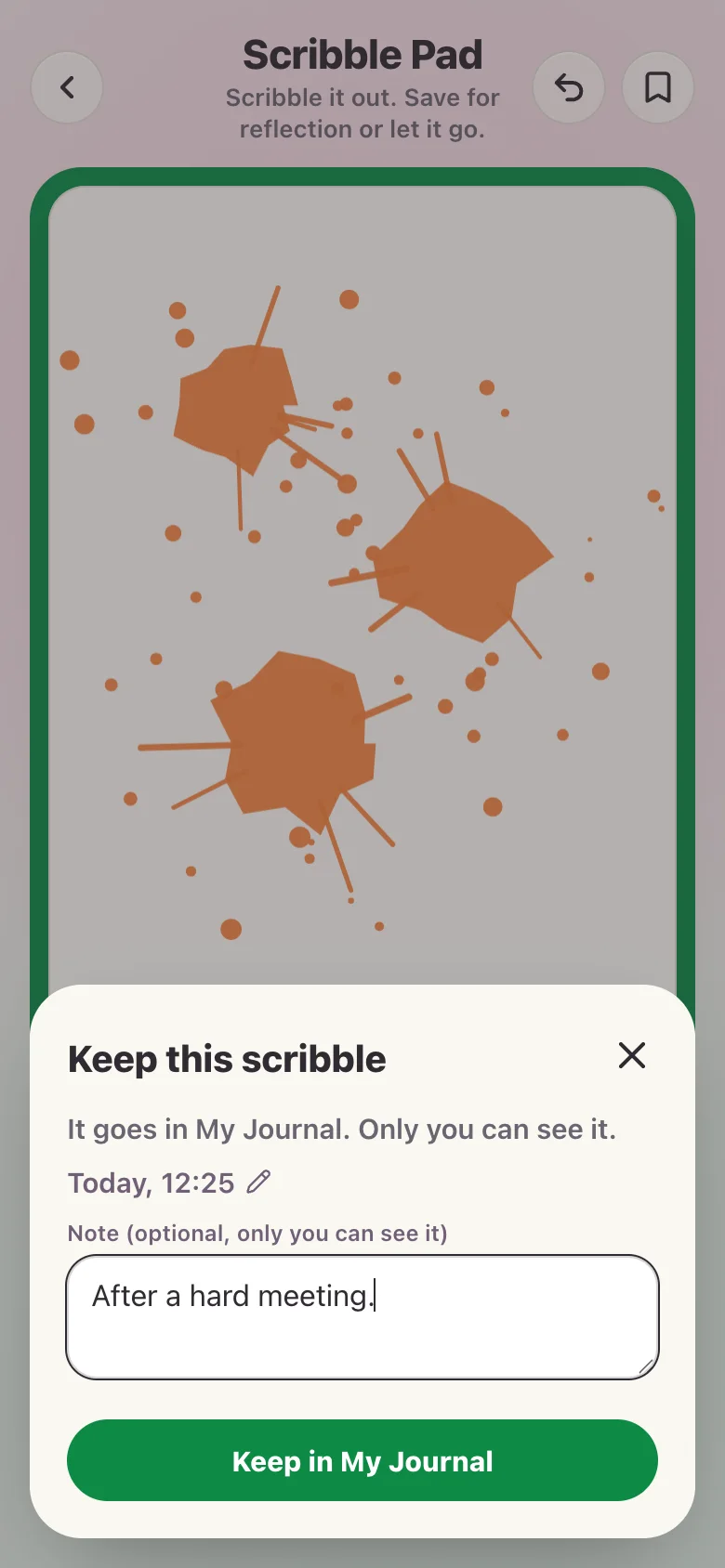
- Or keep it. Tap Keep to save a scribble for reflection. You can change the day and time and add a note. Then tap Keep in My Journal.
- Find it in My Journal. The page says Kept. Your scribble is in My Journal under Kept scribbles. Open it to see it again, or delete it.
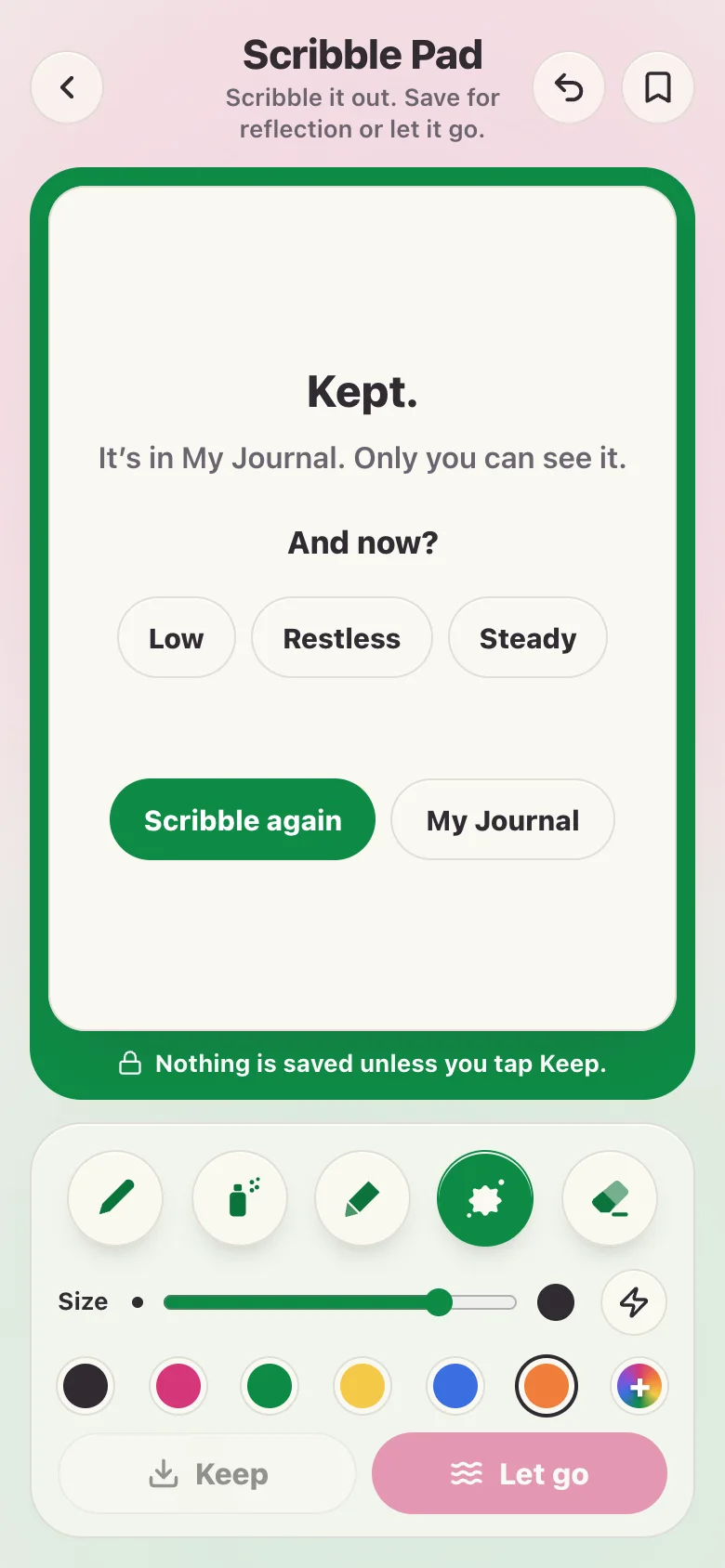
What else is on the pad?
- Back: The arrow at the top left takes you back to where you were. A scribble you have not kept is not saved.
- Undo: The curved arrow takes back your last stroke. Tap it again to go back further.
- Bookmark: Keeps the Scribble Pad in My Toolkit, so you can find it again quickly.
- The lock: The line under the page tells you what is saved. Nothing is, unless you tap Keep.
- Turn your phone: The pad works upright or on its side, on a phone, tablet or computer. Your scribble stays when you turn it.
- Delete a kept scribble: Open it in My Journal and tap Delete. Deleting cannot be undone.
What is the Scribble Pad for?
Some feelings are hard to put into words. Scribbling lets your hand do it instead.
You do not need to draw well. There is nothing to get right. A page of messy lines is fine.
When the scribble is out, you choose what happens to it. Save it for reflection, or let it go.
What does “Where are you now?” mean?
Before you scribble, the pad asks one question. There are three answers. You can also skip it and just start.
- Low: Flat, tired or heavy. You get the crayon, in blue, and the prompt “Draw one slow line. Let it wander.”
- Restless: Wound up or full of energy. You get a big splat brush, in orange, and the prompt “Go fast. Fill the page.”
- Steady: Settled enough. You get a thin pen, in green, and the prompt “Scribble whatever flows.”
You can change the brush, size or colour at any time. Afterwards the pad asks “And now?”, so you can notice if anything has shifted.
How does a scribble go?
Press and hold Let go for about a second. A quick tap does nothing, so you cannot lose a scribble by accident.
How it goes follows how you arrived.
- Low: The scribble fades away slowly.
- Restless: The scribble breaks into dots and blows away.
- Steady, or no answer: A wave of water washes it off the page.
Once a scribble is let go, it is gone. If you want it later, tap Keep instead.
Is my scribble saved?
Nothing is saved unless you tap Keep. Letting go saves nothing at all.
A kept scribble goes to My Journal with the day, the time and a note if you add one. It is private to your account. Only you can see it.
You can delete a kept scribble at any time.
Is it therapy?
The Scribble Pad is a release tool, not therapy or a diagnosis. If scribbling stirs things up, take a breath and come back later, or talk to someone you trust.
If you need help now, go to Crisis support for free UK helplines.
Frequently asked questions
Is the Scribble Pad free?
Yes. The Scribble Pad is free. You need a free Glad We Talked® account to use it, so anything you keep stays private to you.
Is my scribble saved?
Not unless you tap Keep. If you let a scribble go, or leave the page, nothing is saved. If you tap Keep, the scribble goes to My Journal.
Who can see a scribble I keep?
Only you. Kept scribbles are private to your account. You can open or delete them in My Journal whenever you like.
Do I need to be good at drawing?
No. The Scribble Pad is for scribbling, not drawing. Lines, dots, splats and mess all count. There is nothing to get right.
What do Low, Restless and Steady change?
They pick a brush, a size, a colour and a short prompt to start you off, and they decide how the scribble goes when you let it go. Low fades, Restless blows away and Steady washes off. You can change the brush and colour yourself at any time.
Can I get a scribble back after I let it go?
No. Once a scribble is let go, it is gone. That is why you press and hold Let go, so it cannot happen by accident. If you want to look at a scribble later, tap Keep instead.
Does the Scribble Pad work on a phone and a computer?
Yes. The Scribble Pad works on a phone, tablet, laptop or desktop, upright or on its side. You can scribble with a finger, a pen or a mouse.
What if scribbling brings up difficult feelings?
Take a break whenever you need to. The Scribble Pad isn’t crisis support. If you need to talk to someone now, our crisis support page lists free UK helplines, including Samaritans on 116 123.
Related pages
- The Rejection Sensitivity Stack: a free reflection tool for seeing what sits under a big reaction to rejection
- How I’m Wired: a free strengths and needs reflection tool for adults
- Free resources: more free tools, guides and check-ins
- Crisis support: free UK helplines if you need help now